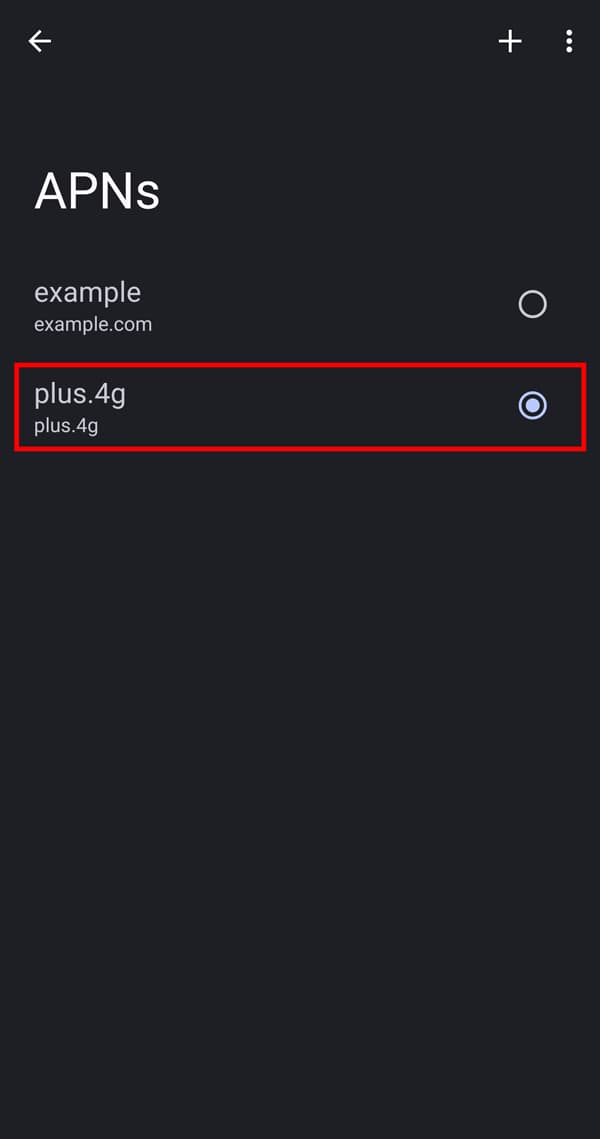
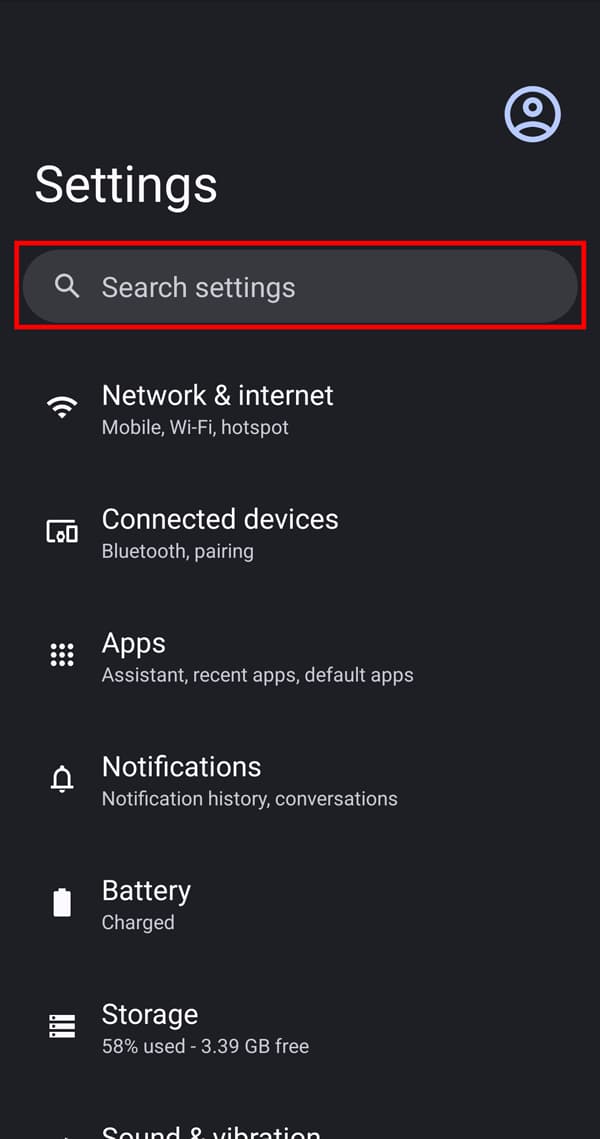
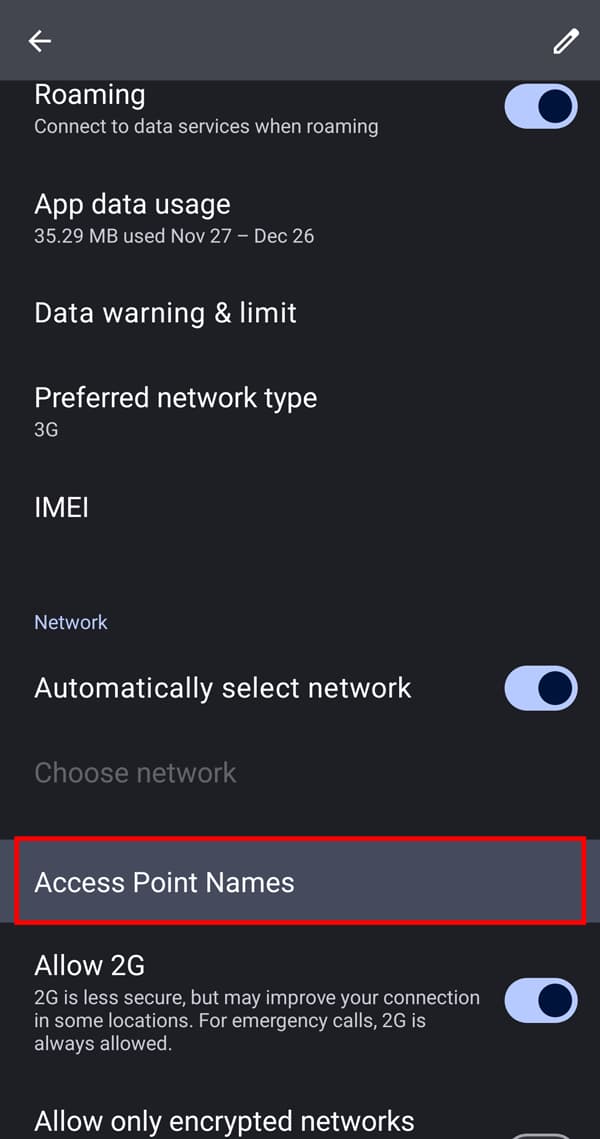
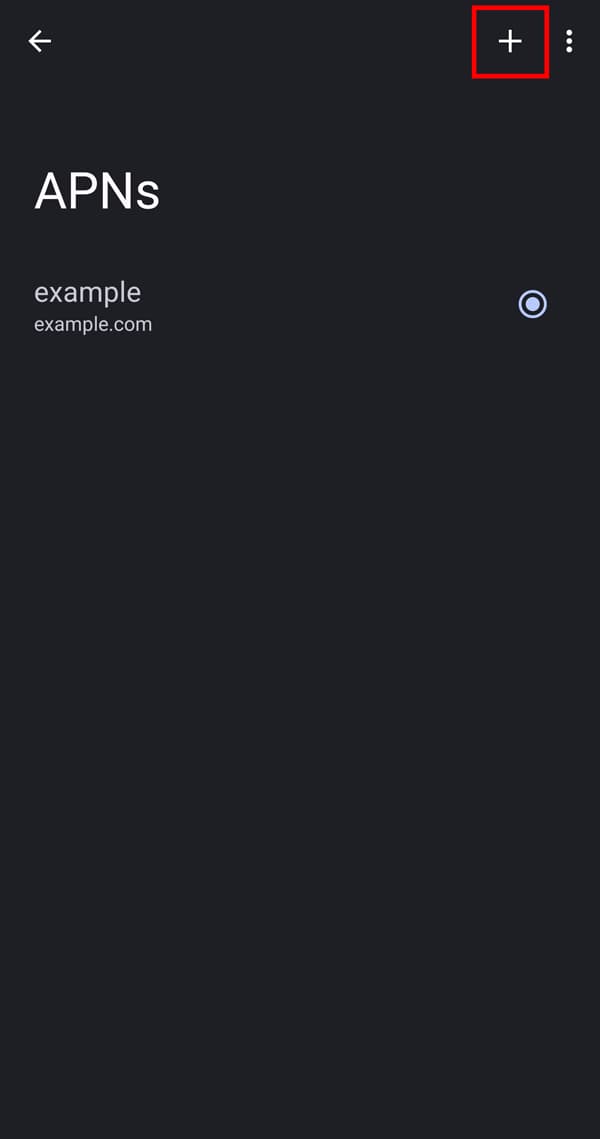
it may be necessary to manually enter APN settings for some Android devices.
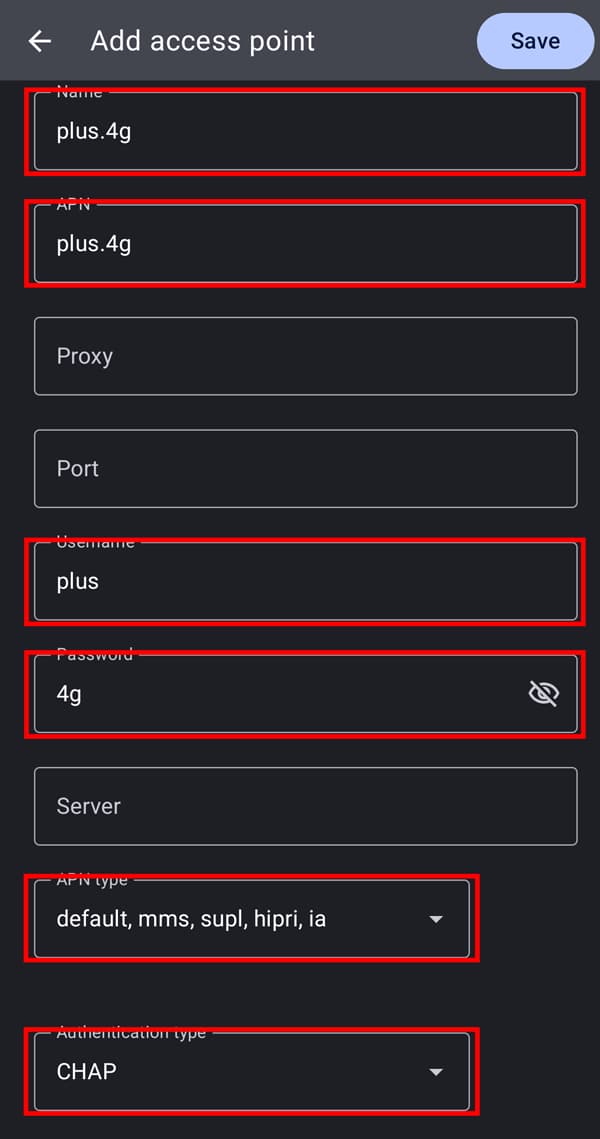
Please check the following APN settings.
*Keep in mind that these settings may vary depending on your Android version or device model.
- Name: Enter a custom name
- APN: plus.4g
- Username: plus
- Password: 4g
- APN type: default,ia,mms,supl,hipri
- Authentication type: CHAP
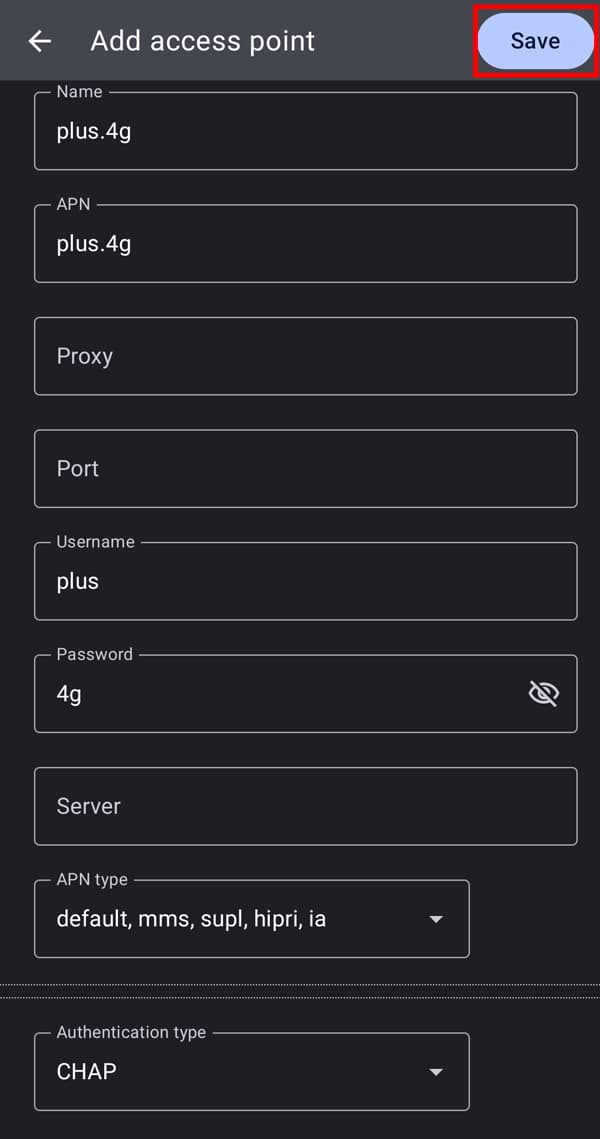
*When you are done using the eSIM, please revert the settings to the original.